Elcomsoft Quick Triage for Fast Initial Analysis
Elcomsoft Quick Triage is a tool designed to rapidly extract and analyze the most important evidence from a target computer or disk. It is equally effective during on-site operations and in laboratory environments, helping investigators make informed decisions at the earliest stages of an investigation.
Elcomsoft Quick Triage focuses on extracting the most forensically valuable data from Windows systems, covering hundreds of sources while prioritizing artefacts that are critical for early-stage investigations. The tool targets evidence that helps quickly answer key questions about how a system was used, by whom, when, and for what purpose. It processes data from the operating system itself as well as from a wide range of popular applications that may contain information about user activity, communications, file handling, connected devices, and network usage.
Data and Artefacts
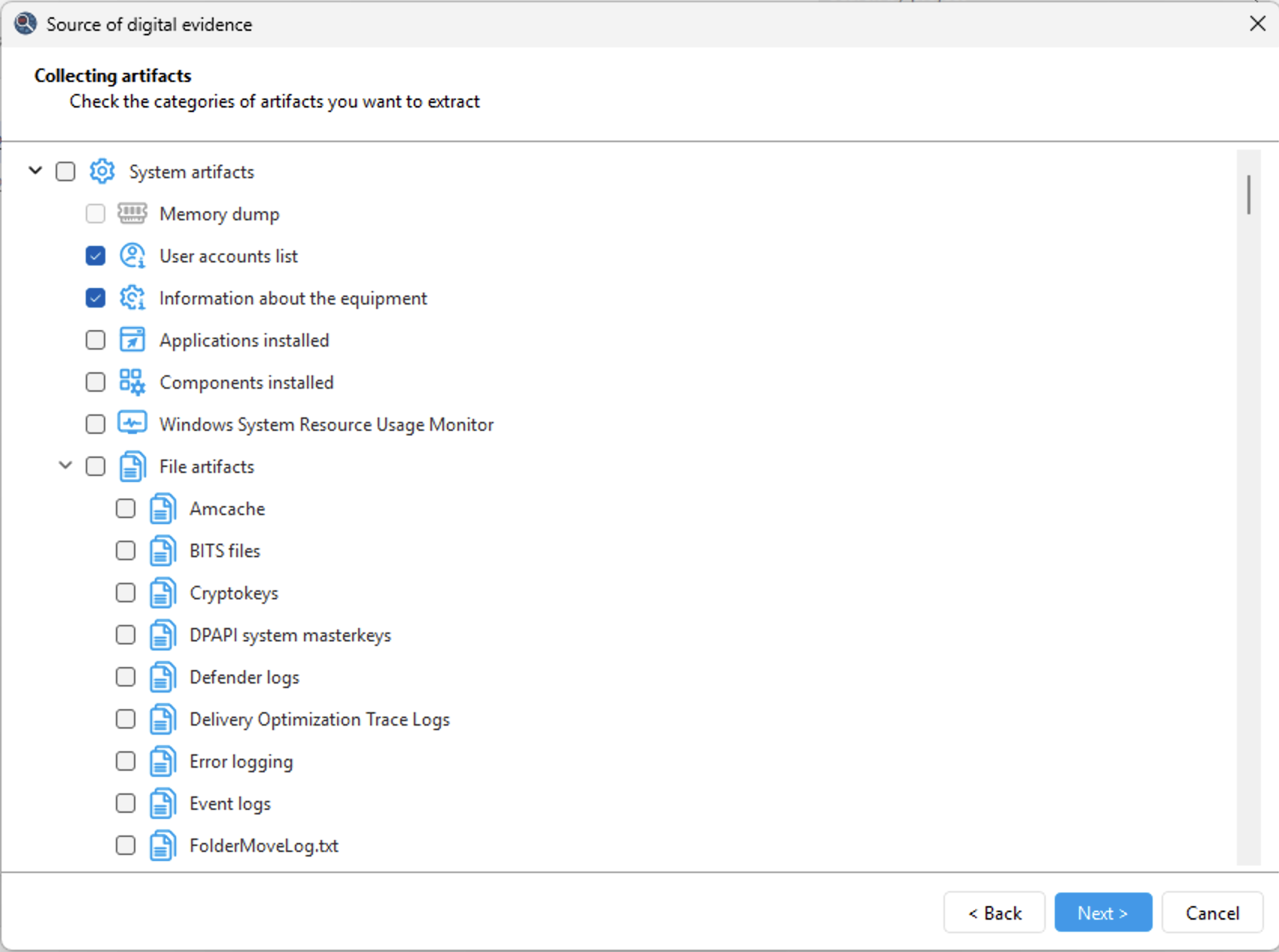
With Elcomsoft Quick Triage, investigators can quickly review saved passwords, browsing history, and user activity of the currently logged-in account, examine data from other user profiles on the same system, and analyze evidence contained in mounted disk images. The product focuses on speed, relevance, and ease of use rather than exhaustive analysis.
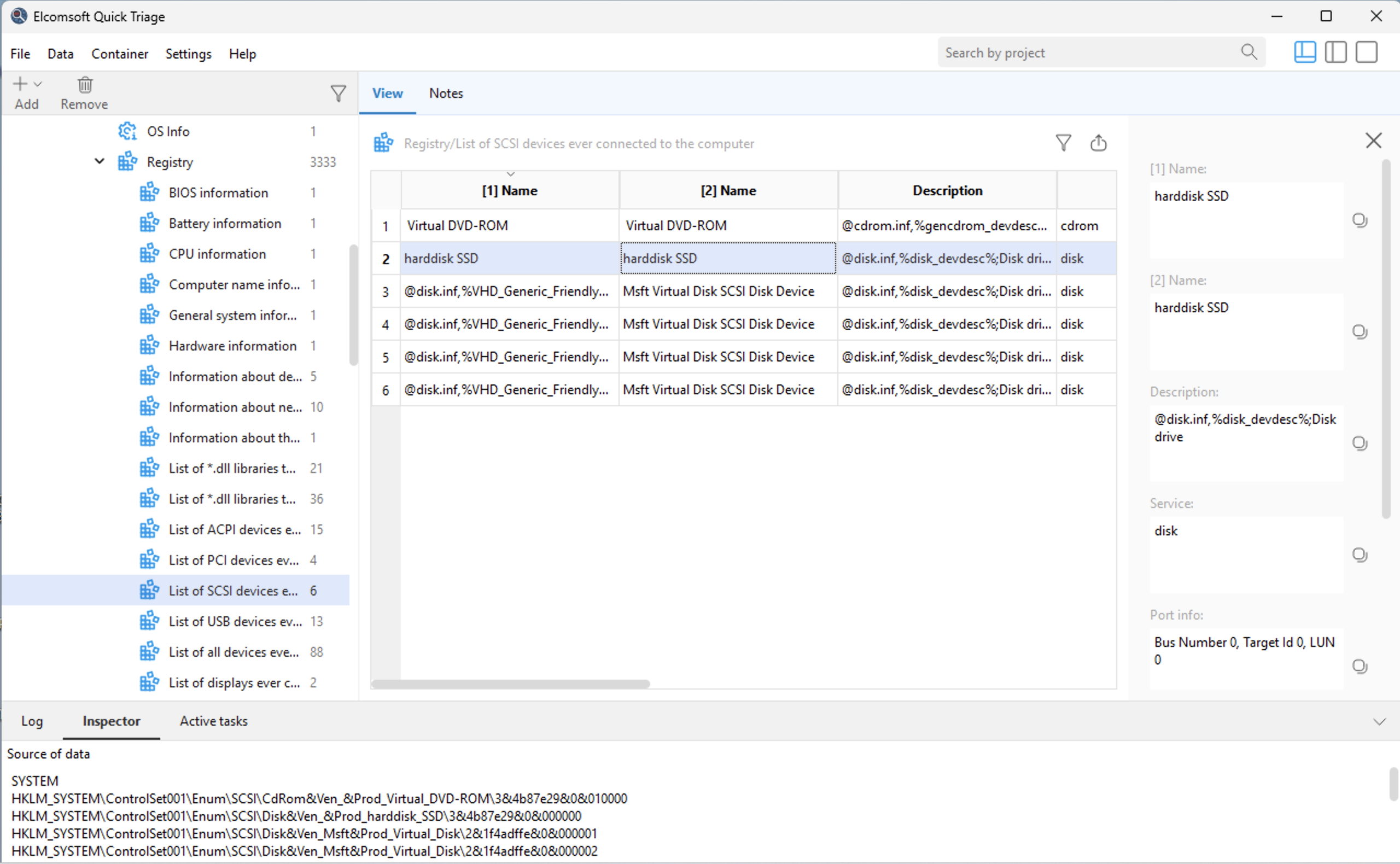
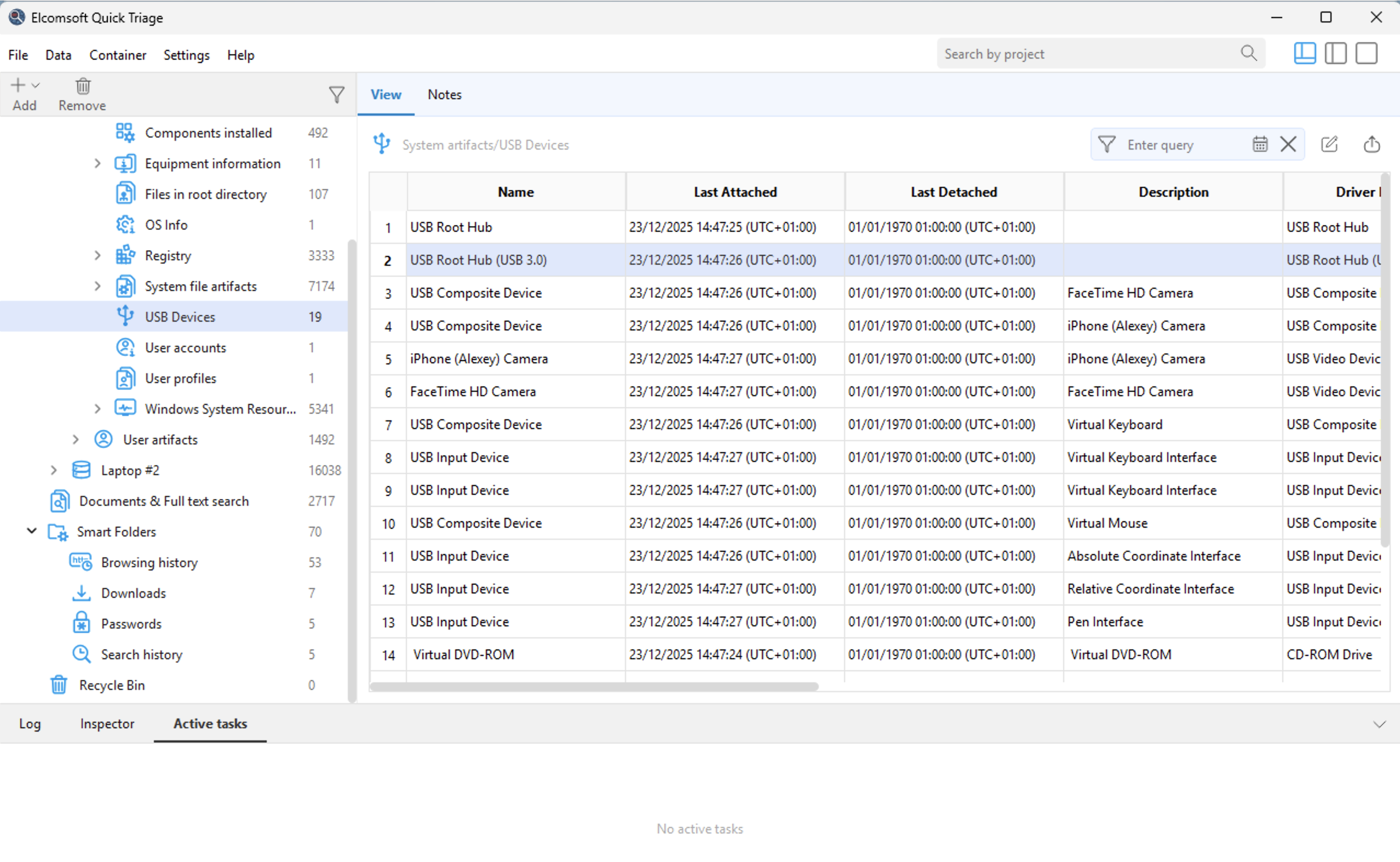
The tool supports hundreds of system artefacts that allow investigators to reconstruct timelines and system behavior. EQT extracts and analyzes Windows Event Logs, Prefetch, Shimcache, SRUM, Task Scheduler data, application execution traces, crash reports, and other system logs. These artefacts provide insight into program launches, background activity, and overall system usage. The tool helps establish whether external devices were used by collecting information about connected USB storage devices, printers, displays, and other hardware.
Elcomsoft Quick Triage collects and processes a wide range of user-centric evidence. The tool extracts documents and files from user folders, recent files lists, Recycle Bin contents, and artefacts reflecting everyday user actions. It processes data from web browsers, including browsing history, search queries, and saved credentials, as well as data from email clients and instant messengers.
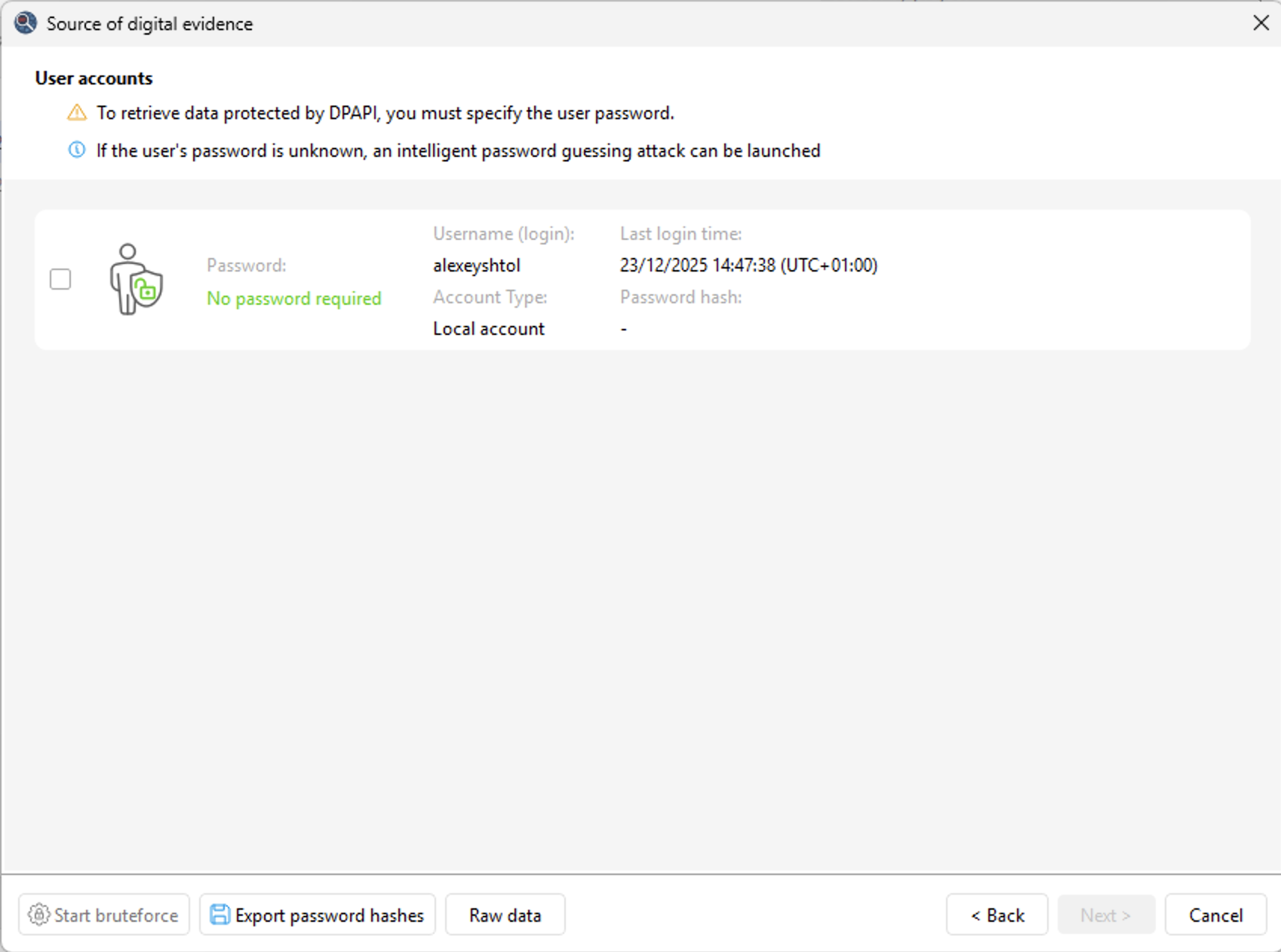
Finally, Elcomsoft Quick Triage pays special attention to credentials and protected data. The tool extracts Windows Vault entries, DPAPI-related data, cryptographic keys, certificates, and user and system credential stores. All artefacts are preserved with clear source attribution and context, allowing investigators to quickly focus on the most relevant evidence and make informed decisions without waiting for a full forensic examination.
Timeline
Establishing the sequence of events is the first step before deciding where to look deeper. The Timeline collects timestamped records from multiple artefacts and arranges them into a single chronology, so user and system activity can be reviewed in one place. Events are organized into categories: browser activity (visited pages and downloads), network activity (data usage from SRUM and the networks the computer connected to), recent files and folders, application interaction from Jump Lists, device activity (USB connections, Bluetooth, microphone and webcam use), and program execution (BAM records and Prefetch).
The Timeline view combines an event table with a histogram that shows how events are distributed over time and supports grouping. Filtering applies as the query is typed, narrowing the chronology to a keyword, a category, or a time range. Each event opens as a card with full details, and every record links back to the artefact it was taken from, so the underlying evidence can be verified at the source. The resulting chronology can be exported to PDF and XLS for reporting and for sharing with other team members.
File System Snapshots
A file system snapshot captures the directory structure and file metadata of a selected drive (names, full paths, sizes, creation and modification timestamps) as a searchable table; the files themselves are not copied. The snapshot can later be examined in the lab as a virtual view of the disk, with search by name or mask and sorting by creation or modification time. Compared to a full disk image, a snapshot takes a fraction of the time and storage; compared to collecting individual files, it shows everything that was present on the drive, including files that were not selected for extraction. This makes it a practical way to document the contents of a drive during on-site triage and to decide later whether a full acquisition is required.
Open Container Format
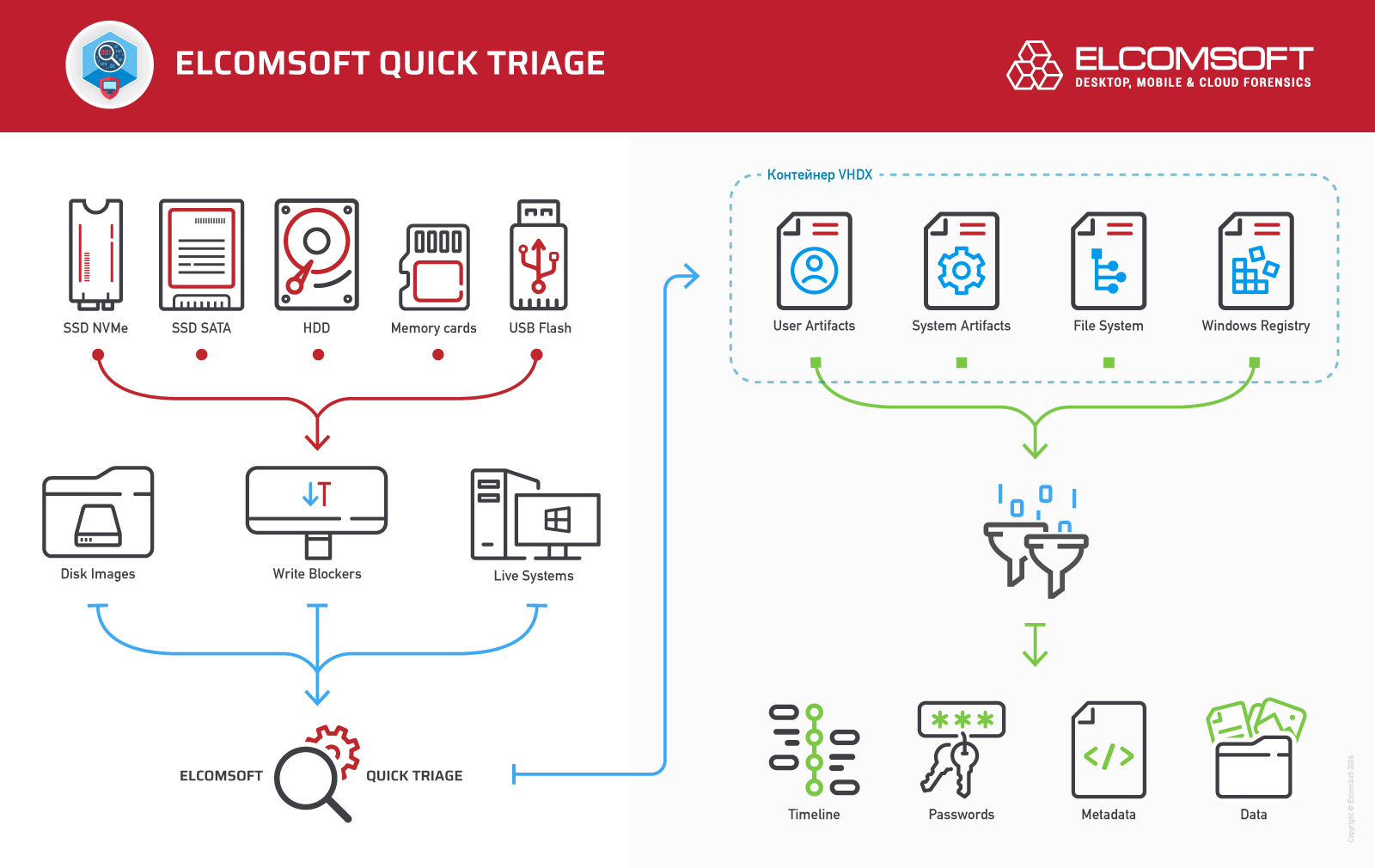
The VHDX format used to store acquired data is a cross-platform container that preserves both the file system structure and associated metadata. Unlike many comparable solutions that store collected data in proprietary, undocumented, and often encrypted formats, EQT keeps all data in an open, well-documented form.
In a lab environment, VHDX containers can be mounted either in a "raw" form or with reconstructed paths for each data source. The open and fully documented container format allows access to the data not only through EQT itself, but also by using third-party forensic tools.
Key Features
Fast Acquisition of Key Windows Artefacts
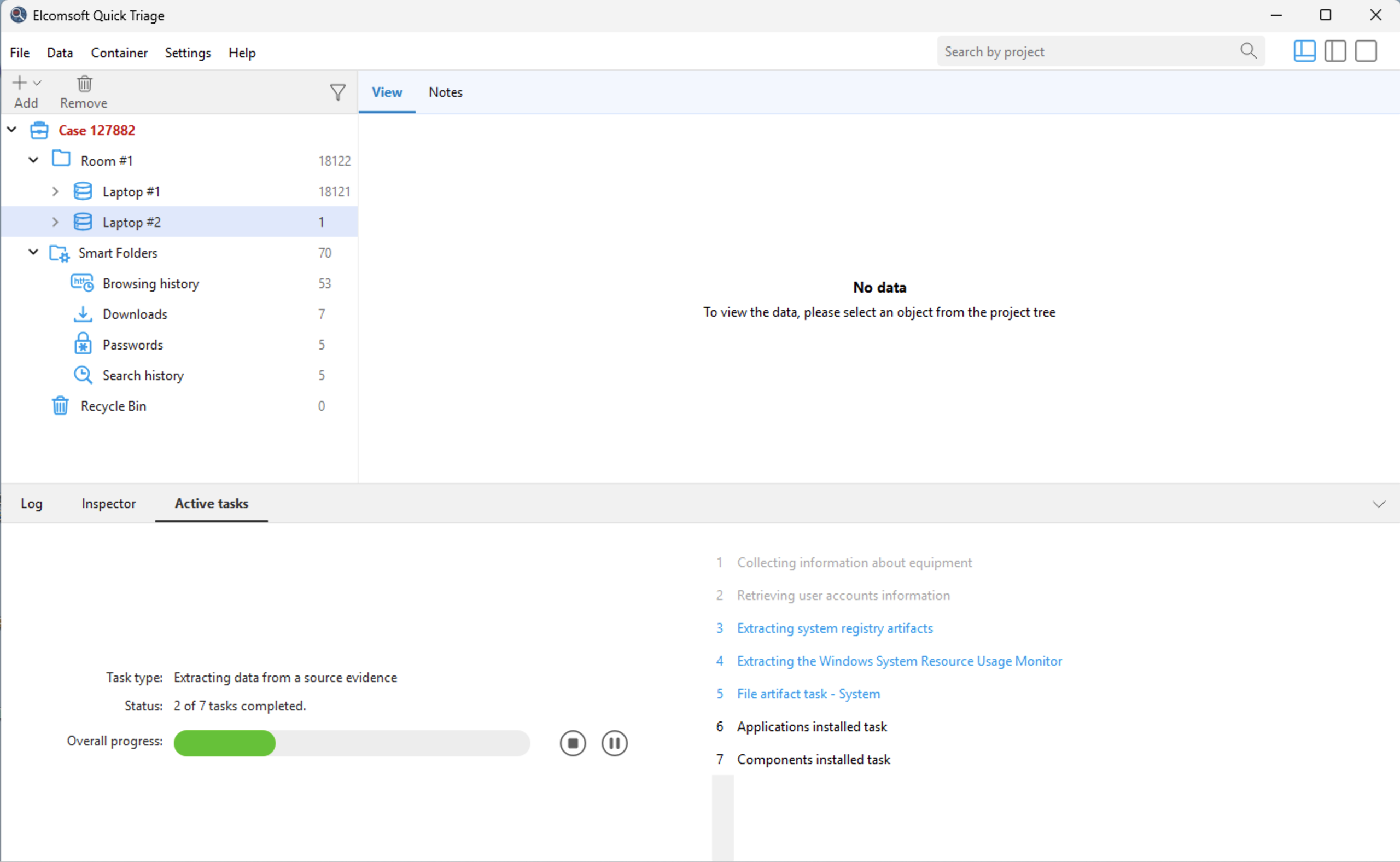
EQT collects system, user, and storage-related data from live Windows systems with an active user session, as well as from externally connected disks and mounted volumes.
Aggregation of Evidence from Multiple Sources
Similar artefacts such as browser history, credentials, and communication data are automatically aggregated, even when originating from different disks or computers belonging to the same user.
On-the-Fly Indexing and Global Search
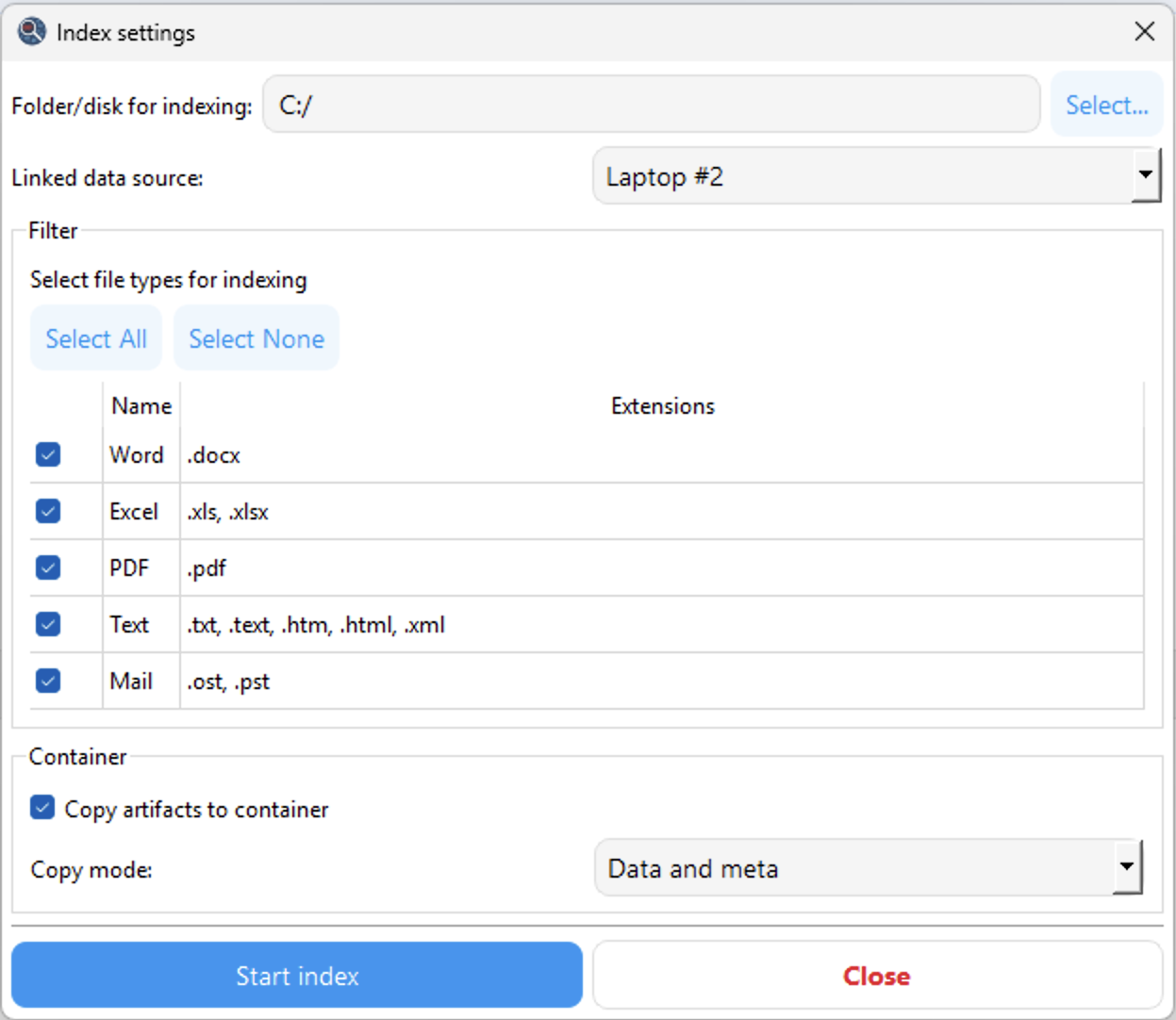
The most valuable data is indexed on the fly, enabling fast searches across documents, email data, text files, and other extracted artefacts.
Timeline Filtering and Activity Analysis
Artefacts containing timestamps can be filtered by date and time to reconstruct event timelines. EQT processes application launches, file access, Web activity, communication events, and other user actions.
Built-In Text and Binary Viewer
The tool includes a built-in viewer for text and binary files with support for keyword and hex searches.
Artefact Attribution and Source Tracking
Each artefact retains information about its original source, including file path and origin. Investigators can instantly jump to the source file within the evidence container.
Single Evidence Container
All extracted data is stored in a single container based on the open VHDX format with additional metadata, simplifying storage, transfer, and follow-up analysis.
Windows Password Attacks
EQT includes built-in Windows password attack capabilities, supporting dictionary, mask, hybrid, and brute-force attacks to quickly identify weak or common passwords. Password hashes can be exported in .pwdump format for subsequent attacks in Elcomsoft Distributed Password Recovery.
Data Export
Export to Adobe PDF format is supported.
Memory Acquisition
Elcomsoft Quick Triage can capture a memory image of a running system, enabling analysis of volatile data during live investigations.